
The Recipe Cost Card Most Kitchens Use Is Broken
Walk into almost any restaurant kitchen and ask to see their recipe cost card. Chances are you'll find a spreadsheet with two columns: ingredient name and price per kg. Multiply by quantity, sum it up — done.
That's not a cost card. That's a shopping list with math.
A real recipe cost card must account for what actually happens to food between delivery and plate. When you ignore prep losses and cooking losses, your food cost is wrong — and not by a little. By 15%, 20%, sometimes more.
What a Professional Recipe Cost Card Must Include
1. Base Recipe Weight (Column C)
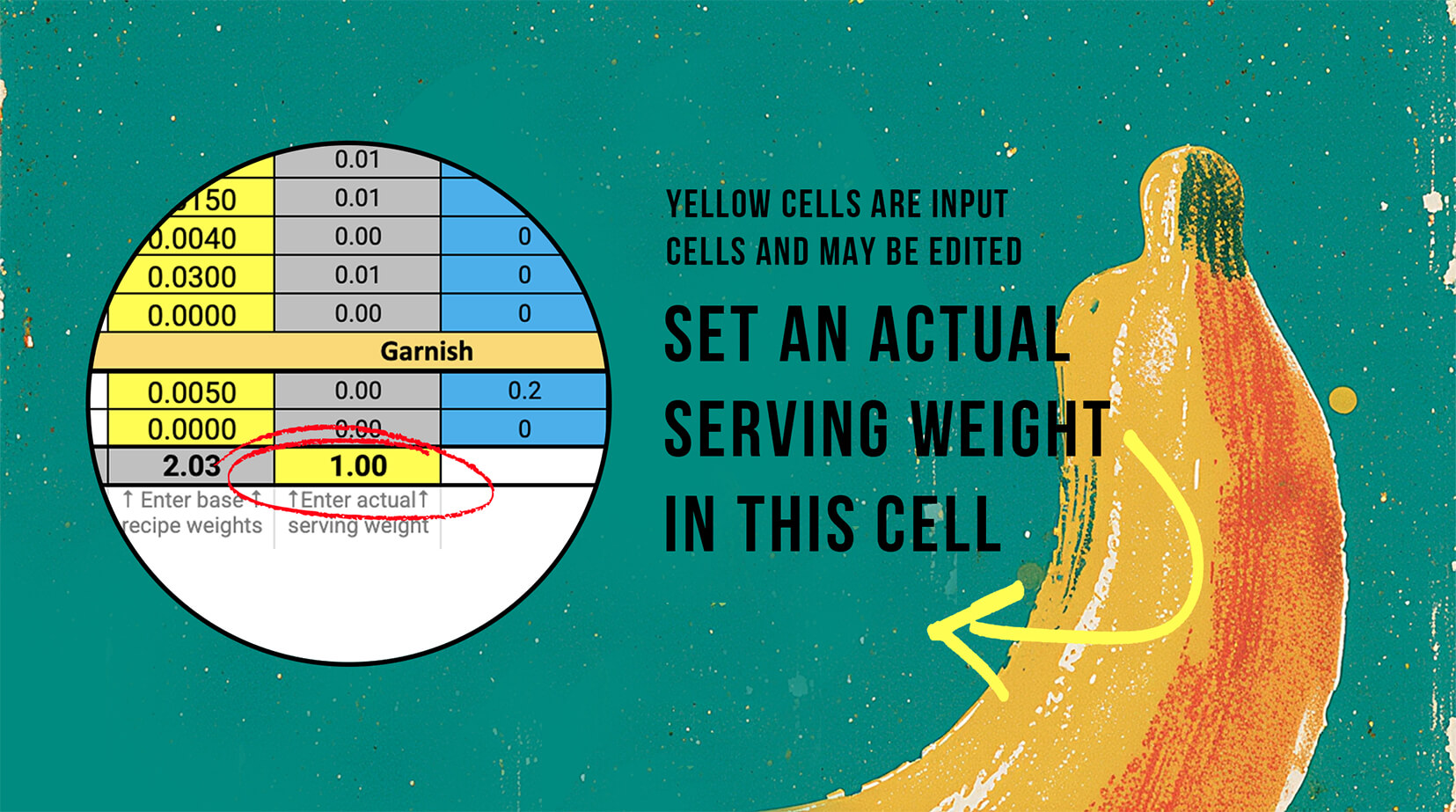
Editable recipe-weight cells keep the chef in control while the calculations update around them.
The starting point: the weight of each ingredient as written in your recipe. This is the theoretical amount — what you'd need in a perfect world with zero waste.
Most cost cards stop here. That's the first mistake.
2. Prep Loss Factor (Column E)
Before anything hits the heat, you lose product. Peeling an onion, trimming a chicken breast, removing seeds from a pepper — all of that is waste you already paid for.
Prep loss factor captures this. A value of 0.10 means 10% of the ingredient is discarded during preparation.
Example: You buy 0.15 kg of bell pepper. With a prep loss of 0.05, your actual usable weight drops to ~0.142 kg before it even reaches the pan. Ignore this across a full menu and your food cost % is meaningless.
3. Cooking Loss Factor (Column F)
Heat changes everything. Proteins shrink. Water evaporates. Sauces reduce. Cooking loss factor accounts for the weight reduction caused by thermal processing. A chicken breast loses roughly 25–30% of its weight when cooked.
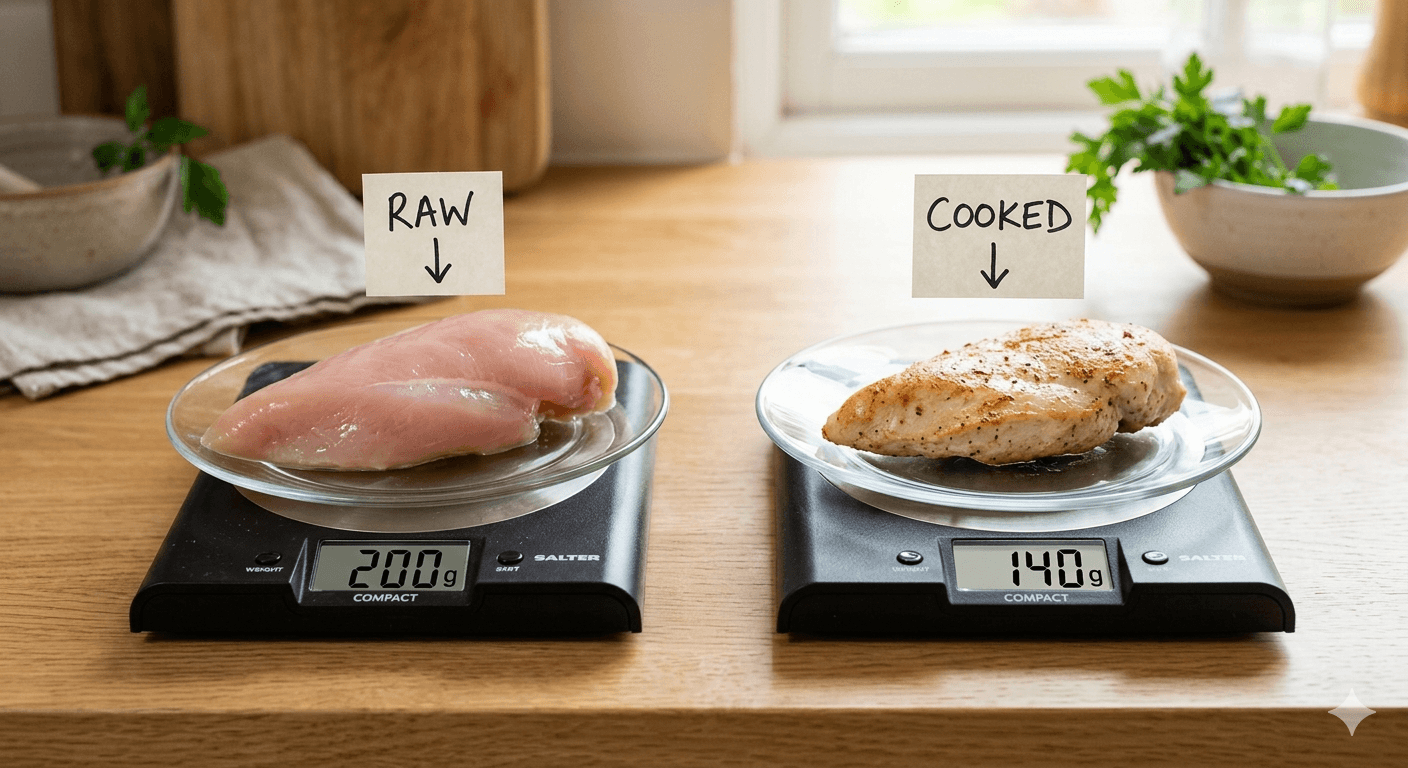
Cooking loss changes the real plated cost, especially for proteins.
Cooked Weight (Column G) = the weight after applying cooking loss. This is what ends up on the plate — always smaller than what you put in.
4. Gross Weight (Column H) — The Number You Actually Buy
Here's where it gets critical for purchasing. Gross weight is the ingredient weight before prep losses — what you actually need to buy at the store.
If a recipe calls for 0.15 kg of cleaned onion and prep loss is 10%, you need to buy ~0.167 kg. That extra 17g has a cost. Over 200 portions a week, it adds up fast.
Column H is what your purchasing team uses to place orders. Get this wrong and you're either over-ordering (waste) or under-ordering (running out mid-service).
5. Actual Serving Weight (Column D — bottom cell)
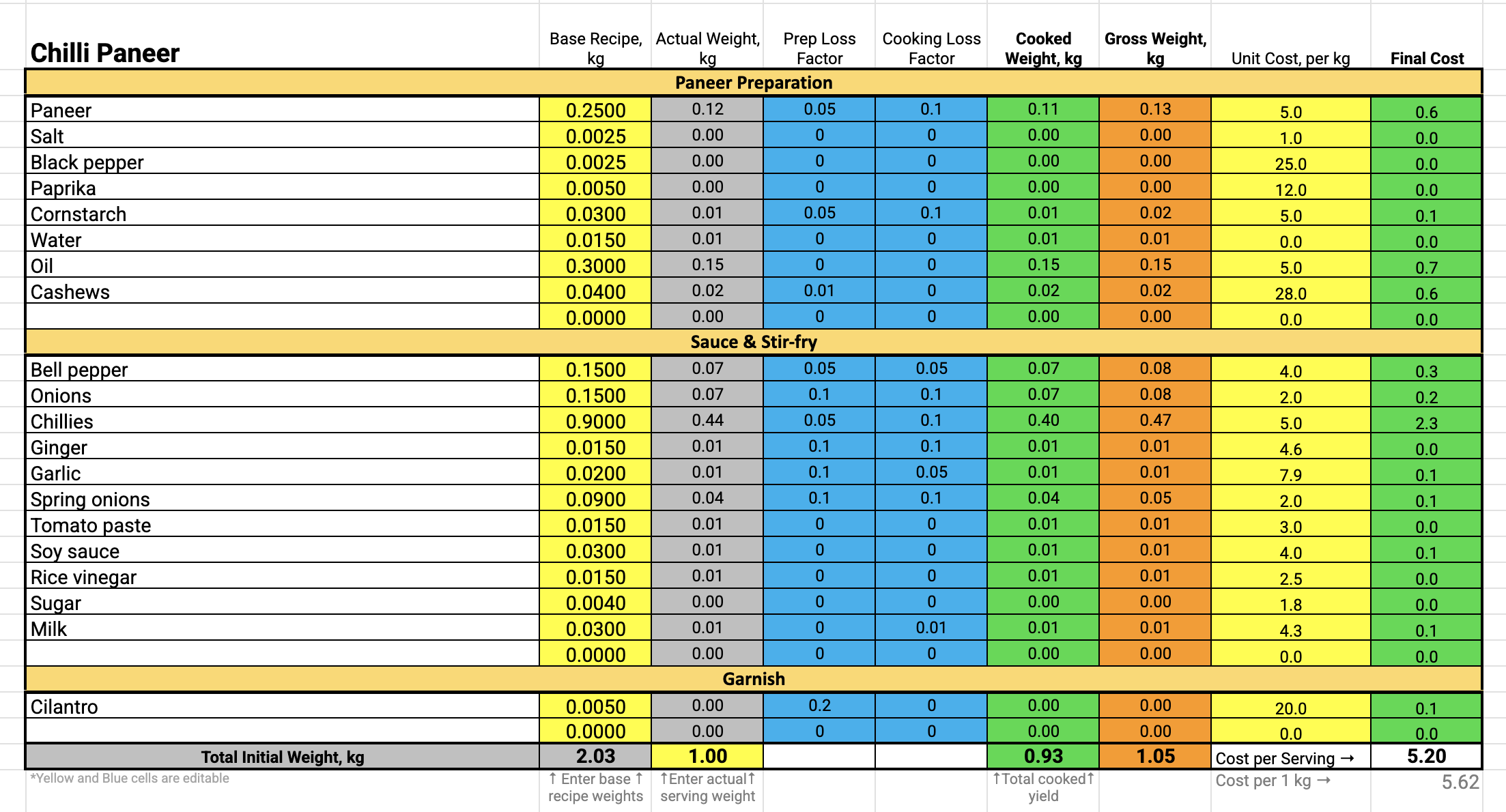
Grouping ingredients by preparation stage makes the card easier to audit and train from.
This single cell is the engine of the whole card. Enter your target portion weight here and every ingredient quantity, every cost, every yield recalculates instantly. Want to prep for 500 guests? Change one number.
6. Unit Cost per kg (Column I) and Final Cost (Column J)
Unit cost is the price you pay per kilogram from your supplier. Final cost is Gross Weight × Unit Cost — the true price of that ingredient per portion. Sum all final costs = Cost per Serving.
7. Logical Grouping by Preparation Stage
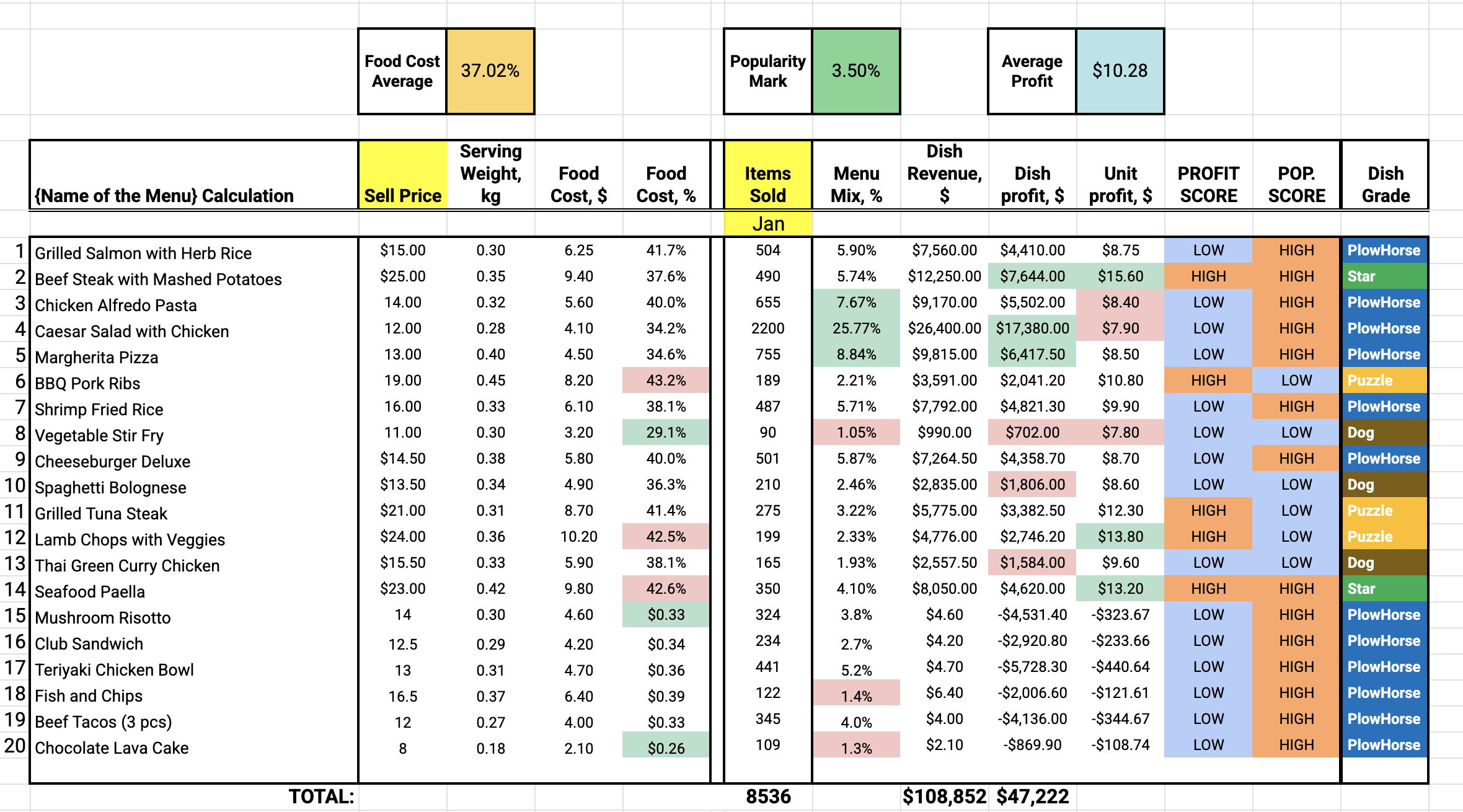
Nutrition data belongs beside costing so menu decisions are operational and compliant.
A complex dish like Chilli Paneer has distinct stages: paneer prep, sauce and stir-fry, garnish. Each has different loss profiles, different workflows, and different team members responsible. Grouping by stage makes the card easier to follow and audit.
8. Full Nutritional Data (Separate Sheet)
FoodTech.Guru automatically calculates the full nutritional profile per serving — macros plus 11 vitamins — all on a separate sheet, ready for menu labeling or dietary compliance.
| Calories | Protein | Fat | Sugar | Carbs | Fiber | Vitamins |
|---|---|---|---|---|---|---|
| ✓ Auto | ✓ Auto | ✓ Auto | ✓ Auto | ✓ Auto | ✓ Auto | A, B1–B12, C, D, E, K |
The FoodTech.Guru Difference
| Feature | Typical Spreadsheet | FoodTech.Guru |
|---|---|---|
| Base recipe weights | ✓ | ✓ |
| Prep loss factor | ✗ | ✓ Auto |
| Cooking loss factor | ✗ | ✓ Auto |
| Gross weight (purchasing) | ✗ | ✓ Auto |
| Adjustable serving weight | Manual | ✓ One tap |
| Ingredient grouping by stage | Manual | ✓ AI-generated |
| Nutritional data | Manual / external tool | ✓ Automatic |
| Input method | Manual typing only | Text, photo, audio, link |
| Time per recipe | 45–90 min | Under 2 min |
Summary
A perfect recipe cost card includes:
- Base recipe weight — what the recipe says
- Prep loss factor — waste before cooking
- Cooking loss factor — weight lost to heat
- Cooked weight — what ends up on the plate
- Gross weight — what you actually buy
- Adjustable serving weight — one cell recalculates everything
- Unit cost × gross weight = true final cost per ingredient
- Logical grouping by preparation stage
- Full nutritional data on a separate sheet
If your current cost card is missing any of these, your food cost percentage is wrong — and so is your pricing.
Ready to build a perfect cost card?