The Chef Who Doesn't Have Time for Spreadsheets
A head chef's day starts at 7am and rarely ends before midnight. Between mise en place, managing the brigade, handling deliveries, training new staff, and actually cooking — where does recipe costing fit?
It doesn't. Not properly. Most chefs know their food costs are approximate at best, wrong at worst. They know they should be updating their spreadsheets when supplier prices change. They know they should have proper technical cards for every dish.
They just don't have the time. That's the problem AI solves.
1. Turning Any Recipe into a Professional Cost Card in 2 Minutes
Before AI: 45–90 minutes per dish of manual data entry, loss factor lookup, formatting. For a 30-dish menu, that's nearly a full work week — not cooking, not creating, just admin.
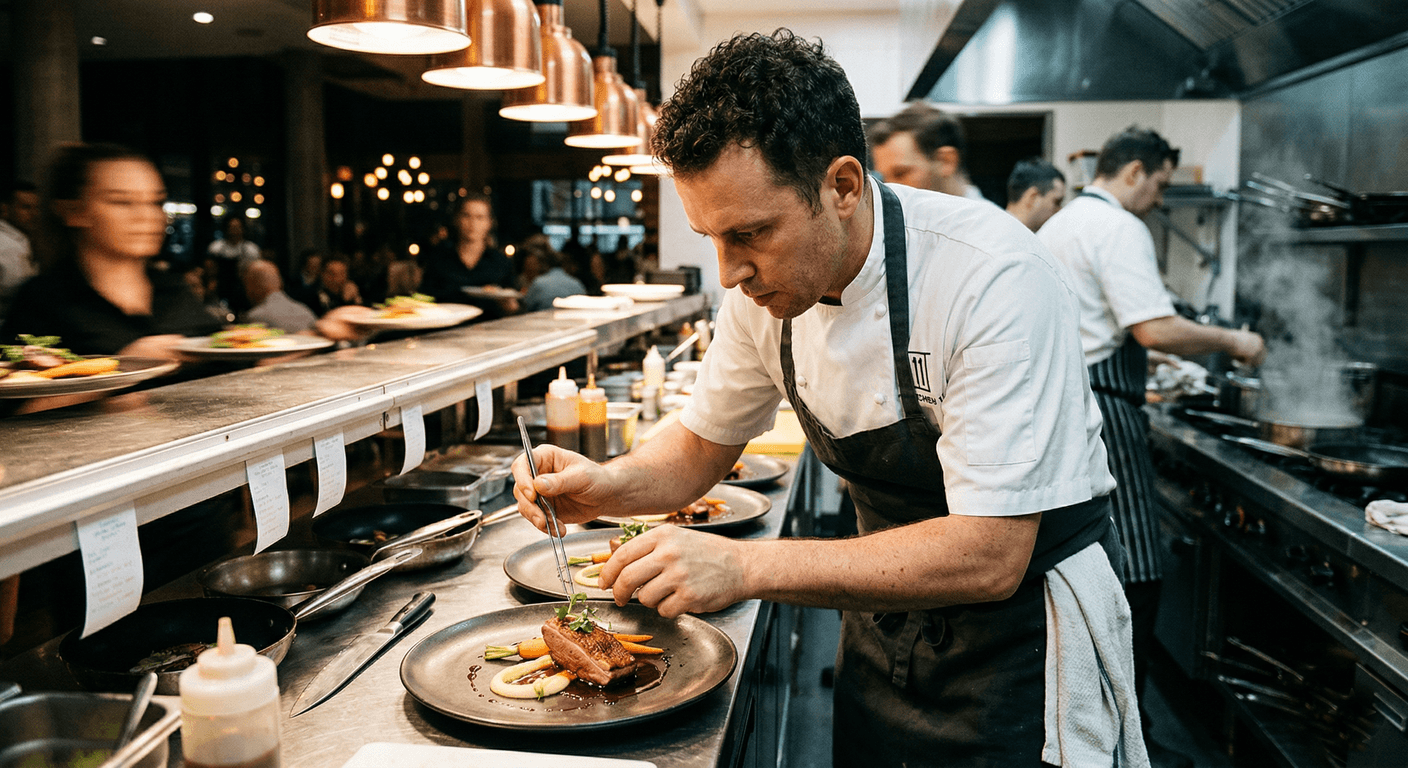
A recipe can become a structured cost card without a long spreadsheet session.
With FoodTech.Guru, take a photo of your recipe (or paste text, dictate it, or paste a link). The AI reads it, groups ingredients by preparation stage, applies prep and cooking loss factors, calculates cooked weight, gross weight, unit cost, and final cost per serving — all automatically.
2. Capturing Recipes That Live Only in Your Head
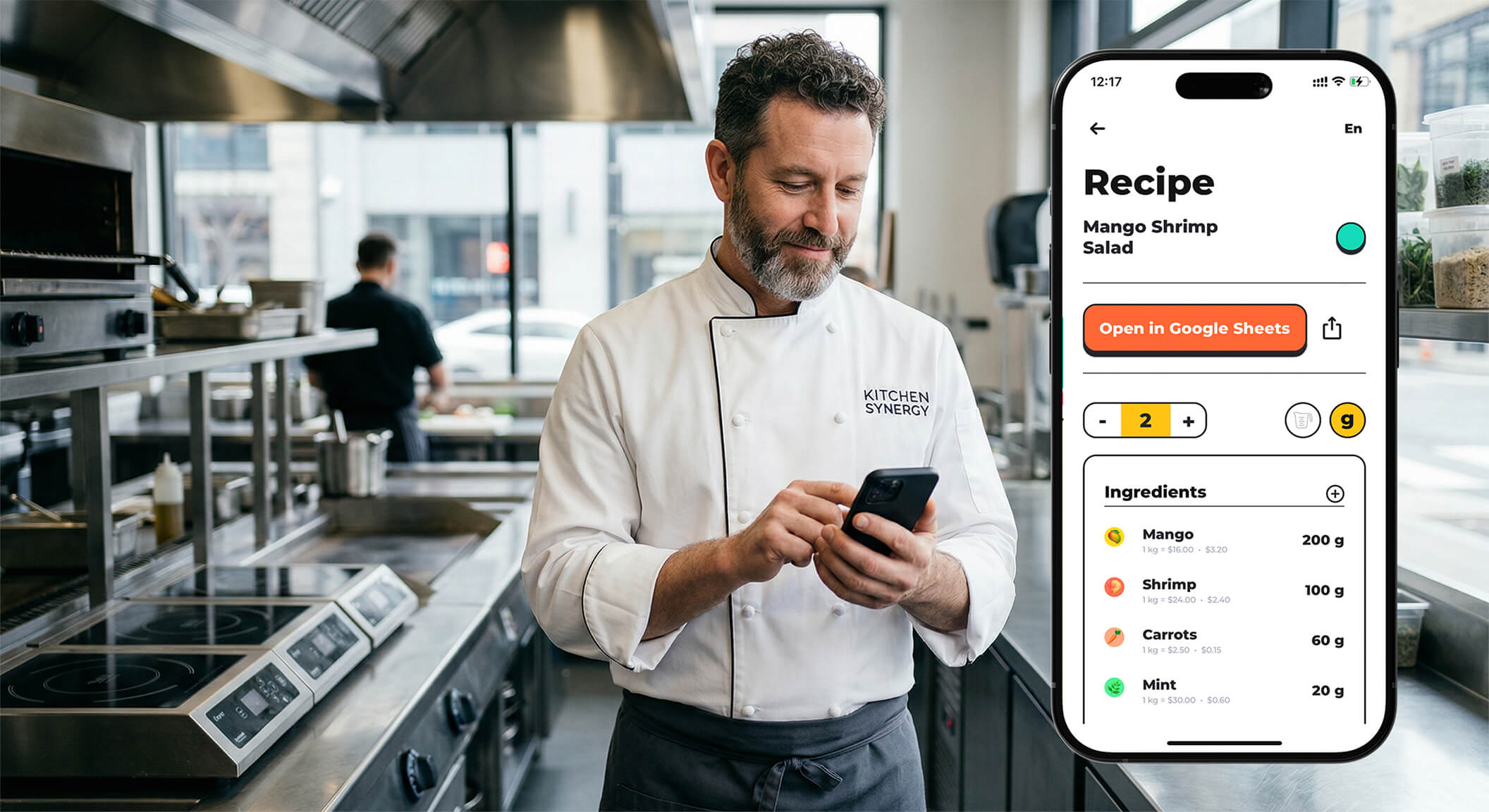
AI works best when it fits into the rhythm of real prep and service.
Every kitchen has recipes that exist only in a chef's head. When that chef leaves, the recipe goes with them. Audio input in FoodTech.Guru lets a chef dictate a recipe out loud while prepping — the AI captures it in real time and builds the cost card. No stopping. No typing. No looking at a screen.
3. Knowing Your Real Food Cost — Not a Guess
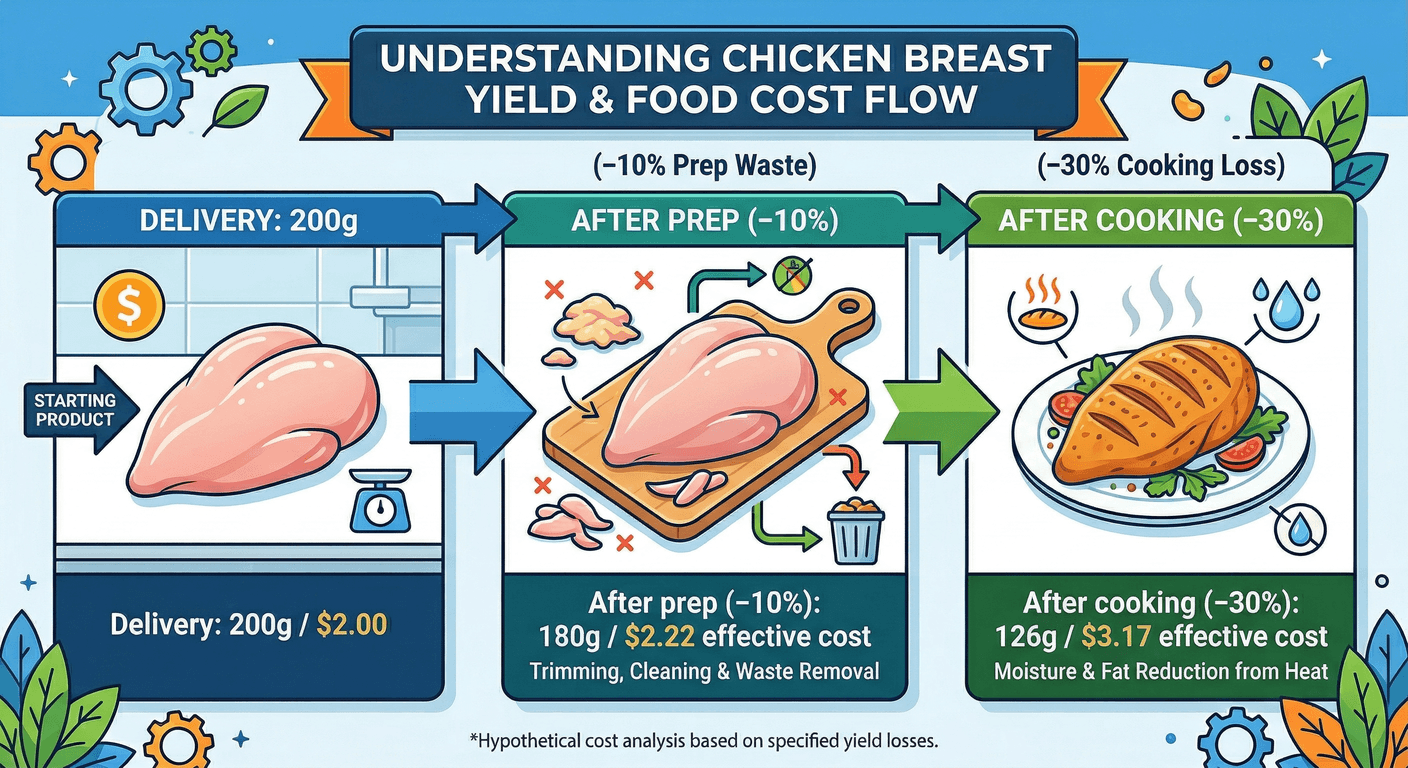
Most kitchens work with food cost estimates that are 5–15 percentage points off the real number. The reason is almost always the same: prep and cooking losses aren't accounted for.
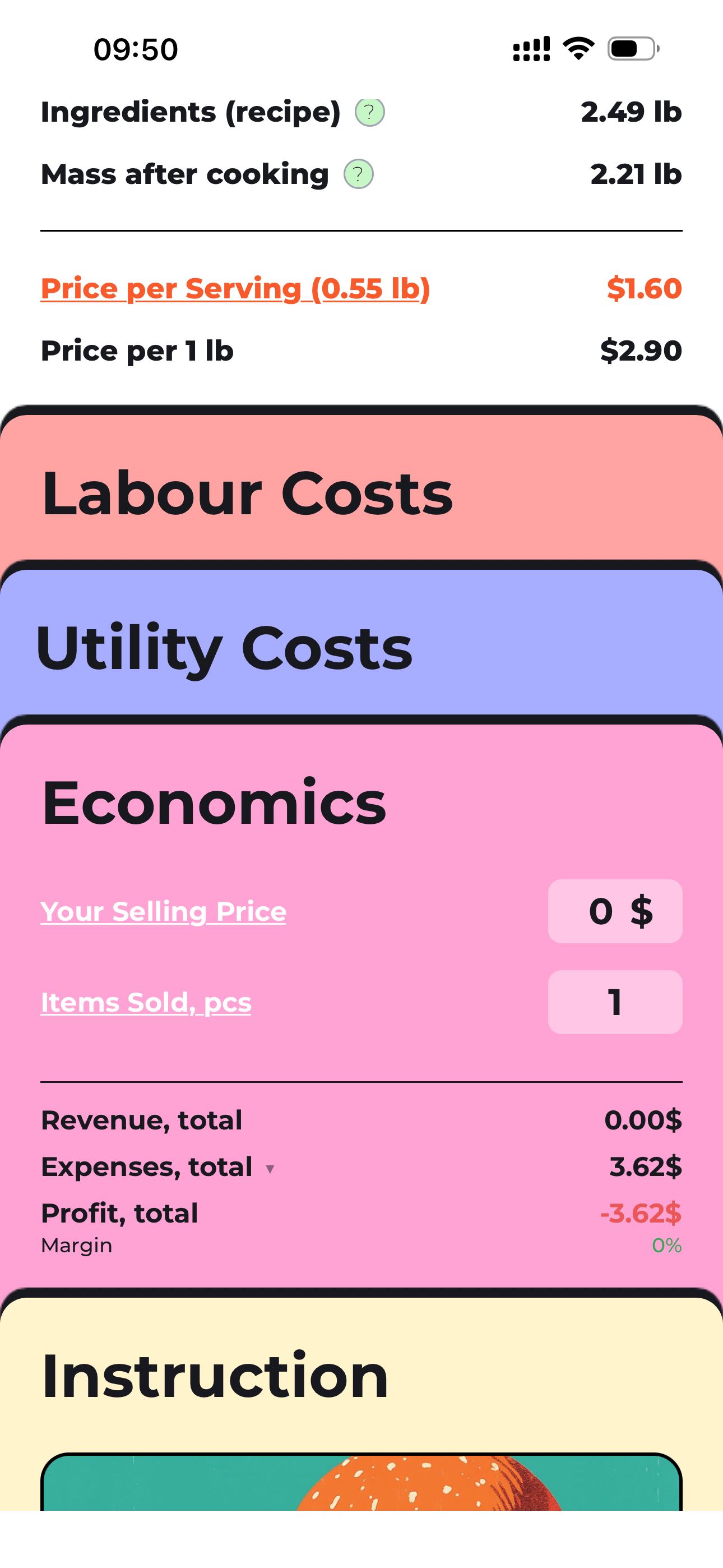
Real food cost needs economics, yield, labour, and utility in the same view.
A chicken breast that costs $2.00 at delivery costs $3.81 effective on the plate after prep and cooking losses. The card that ignores this under-costs the dish by almost 50%. That's not rounding error — that's the difference between profit and loss.
4. Instant Repricing When Supplier Costs Change
Spring comes, chicken prices jump 15%. In a traditional system, someone has to find every spreadsheet that uses chicken and update it manually. Most kitchens don't do this until end of month — if ever. In FoodTech.Guru, update one price. Every cost card reprices instantly. You know immediately which dishes have become unprofitable.
Menu engineering gives chefs the financial context behind creative decisions.
5. Menu Engineering Without a Consultant
Knowing which dishes to promote and which to remove used to require a specialized consultant. Now, once your cost cards are built, FoodTech.Guru generates the full menu engineering matrix automatically — classifying every dish as a Star, Plowhouse, Puzzle, or Dog. Research shows this analysis typically generates a 10–15% improvement in average contribution margin. No consultant required.
6. Full Nutritional Data — Automatically
FoodTech.Guru calculates the full nutritional profile automatically for every recipe — macros plus vitamins A, B1, B2, B3, B6, B9, B12, C, D, E, K — ready for menu labeling, dietary compliance, or marketing materials. No external tools. No extra work.
7. Scaling Recipes to Any Volume
"We need to prep this dish for a Saturday banquet of 200 covers — how much of everything do we need?" In FoodTech.Guru, change the serving weight or portion count. Every ingredient quantity updates instantly. Useful for catering, banquets, batch cooking, and tasting menu planning.
Time Savings That Actually Matter
What AI Doesn't Replace
Let's be honest about the limits.
AI cannot taste. It cannot tell you whether your sauce needs more acid or whether your protein is cooked correctly. It cannot manage a brigade, mentor a young cook, or read the energy of a busy kitchen service.
The art of cooking — the creativity, the judgement, the craft — remains entirely human. What AI removes is the administrative burden that surrounds that craft: the spreadsheets, the cost lookups, the nutritional calculations, the matrix work.
When a chef isn't spending time on paperwork, they're spending it on cooking, training, and creating. That's the actual value.
Ready to get your time back?